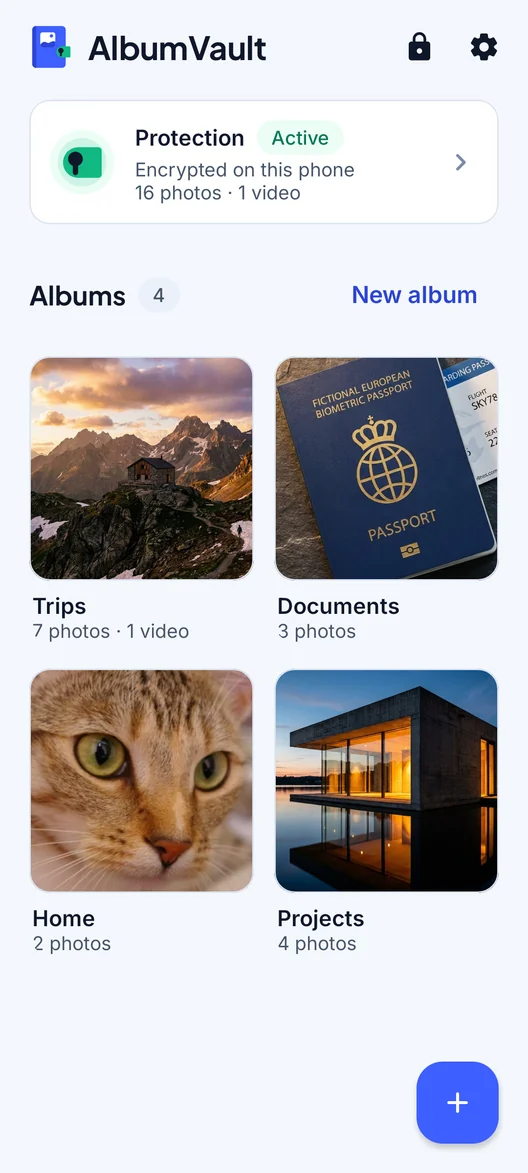
Everything a vault should do. Nothing it shouldn’t.
A locked place for the photos and videos that are nobody else’s business, on your iPhone or Android phone. Features marked Pro are part of the paid plan.

 Coming soon to both stores
 - No account, no email
- Free to start
- iPhone and Android
Lock it
Pattern unlock
Draw a pattern on a 5×5 grid. Over 19 million 6-dot patterns, and far more with longer ones.
Separate vaultsPro
Each pattern leads to its own vault. No list and no count of your vaults is kept.
Guest vaultPro
A second pattern opens a separate vault with only what you put there.
Emergency patternPro
Forced to open the app? An emergency pattern opens your chosen vault and removes the others from the phone.
The everyday parts
- AlbumVault is built for iPhone and Android. Move a vault between them with an encrypted transfer file and its recovery phrase.
- When you import from your photo library, originals are deleted only after the encrypted copy is safely written, and only after you confirm.
- On Android, screenshots and screen recording of the vault are blocked. On iPhone, the vault is covered in the app switcher and blurred during screen recording or mirroring.
- The vault locks when you leave the app (immediately by default), when the screen locks, and after 5 minutes idle.
- The apps contain no analytics, ad or tracking SDKs. Purchases use Apple’s or Google’s own in-app purchase.
- There is no AlbumVault server, so there is no AlbumVault account to sign up for. We never have your photos or your keys, so we have nothing to hand over.
AlbumVault for iPhone and Android
Your photos, your pattern, your phone
- Encrypted on this phone
- Each pattern leads to one vault
- No account needed
Coming soon to both stores