AlbumVault compared, fairly
Every fact about another app links to its source and the date we checked it. Where another app is the better choice for you, we say so.

AlbumVault vs Apple’s Hidden album
Apple’s Hidden album is free, built in and locked with Face ID or your passcode, so anyone who knows the passcode can open it.
AlbumVault vs Calculator#
Calculator# is built around its disguise, with a panic switch and a fake crash screen. Its vendor does not name its photo encryption.
AlbumVault vs Google Photos Locked Folder
Locked Folder is free in Google Photos and keeps photos out of your grid. Anyone who knows your screen lock can open it.
AlbumVault vs Hide it Pro
Hide it Pro is free with ads and poses as Audio Manager on Android. Its vendor says data is encrypted but names no algorithm.
AlbumVault vs Keepsafe
Keepsafe is a widely used vault with backup to its own cloud and PIN resets by email. In return, it asks for your name and email.
AlbumVault vs LockMyPix
LockMyPix encrypts files with AES in CTR mode, runs on iPhone and Android, and offers optional email recovery.
AlbumVault vs Private Photo Vault
Private Photo Vault runs on iPhone, iPad, Mac and Android, with an optional paid Cloud Vault that encrypts files before upload.
AlbumVault vs Vaultaire
Vaultaire names its key stretching and file cipher and opens with a pattern on a 5×5 grid. The biggest difference: it runs on iPhone and iPad only.
AlbumVault for iPhone and Android
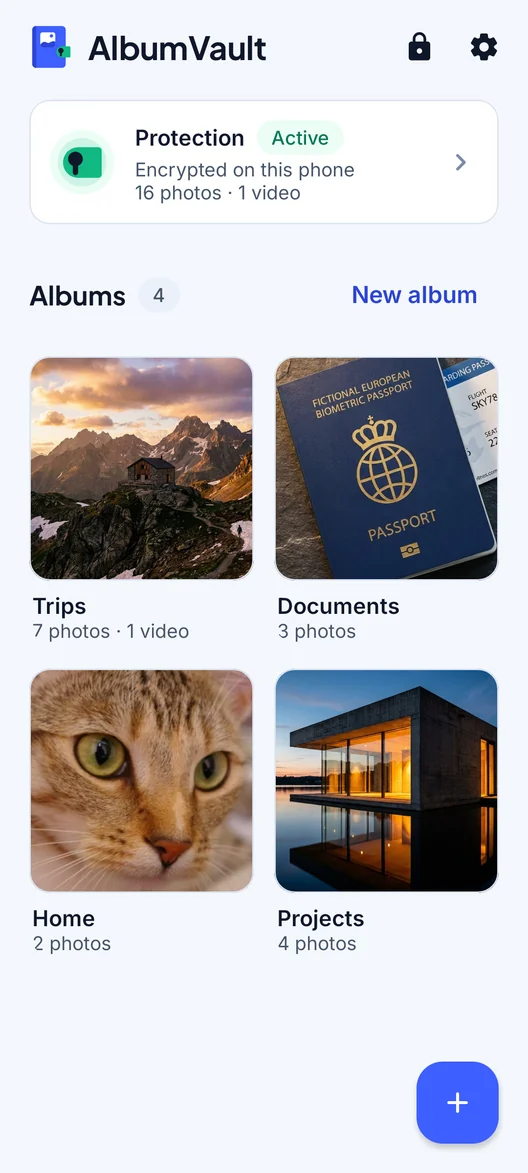
A vault for the photos that are nobody else’s business
- Encrypted on this phone
- Each pattern leads to one vault
- No account needed

 Coming soon to both stores