Blur faces, plates and anything else
Drag a box over anything you want hidden. Choose blur, pixelate or a solid block, then save. The saved file carries no location or camera data.
- Free, no sign-up
- Works offline once loaded
- Your files never leave this device
How to use it
- Choose a photo.
- Drag across the photo to cover a face, a number plate or a screen. Add as many boxes as you need.
- Pick blur, pixelate or solid block for each box, and set the strength.
- Tap "Save photo".
Which effect to use
A solid block hides everything and cannot be undone by anyone. Strong pixelation hides faces well. Light blur on text can sometimes be reversed, so use a solid block for numbers, addresses and documents.
Automatic face finding
A few browsers have a built-in face detector. Where yours does, a "Find faces" button appears and adds boxes for you to check. Everywhere else, draw the boxes by hand; it takes a second per face.
FAQ
Questions
Are my photos uploaded anywhere?
No. The page reads your file in this browser tab and does the work on your device. Nothing is sent to a server, and closing the tab clears it. You can switch on airplane mode after the page loads and the tool still works.
Can a blurred face be un-blurred?
A light blur can leak detail, especially on text. Pixelation at the strongest setting or a solid block removes the detail from the saved file. The original pixels under a solid block are gone.
Does the saved photo keep its location data?
No. The photo is redrawn and saved as a new file, which does not carry EXIF, GPS or camera data.
Does it work on a phone?
Yes. Drag with one finger to draw a box. Tap a box in the list to change or remove it.
More free tools
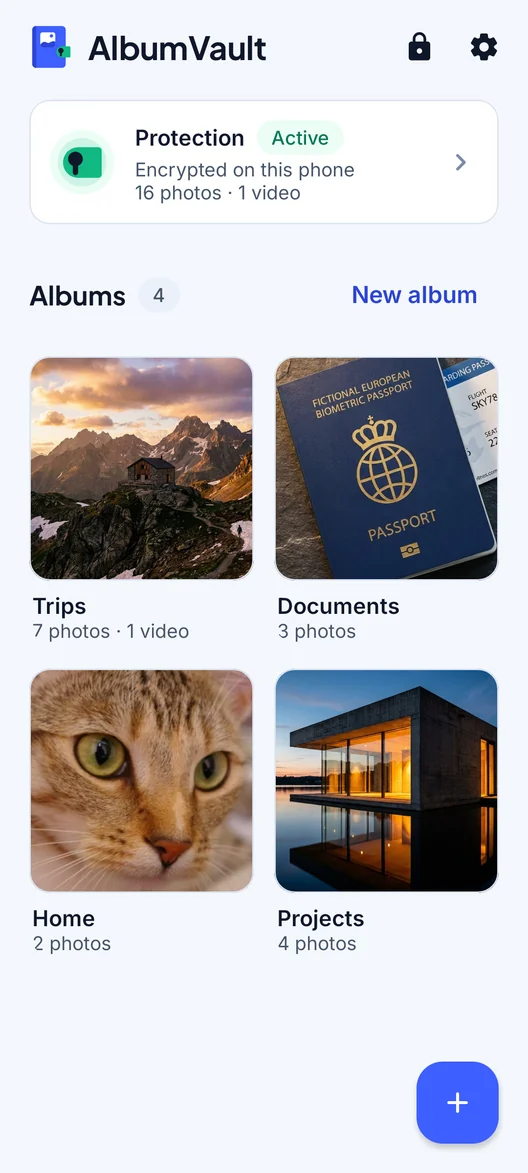
AlbumVault for iPhone and Android
Keep the originals somewhere safer than your camera roll
- Encrypted on this phone
- Each pattern leads to one vault
- No account needed

 Coming soon to both stores