Crop a photo, free or to an exact ratio
Drag the frame to choose what stays. Pick a ratio for social posts or leave it free.
- Free, no sign-up
- Works offline once loaded
- Your files never leave this device
How to use it
- Choose a photo.
- Pick a ratio, or keep it free.
- Drag the frame to move it; drag a corner to resize it.
- Tap "Save crop".
Cropping and hidden data
Some editors keep the original, uncropped picture inside the file as a thumbnail or in the metadata. The crop saved here is a new file with only the pixels you kept.
FAQ
Questions
Are my photos uploaded anywhere?
No. The page reads your file in this browser tab and does the work on your device. Nothing is sent to a server, and closing the tab clears it. You can switch on airplane mode after the page loads and the tool still works.
Does the cropped file still contain the rest of the picture?
No. Only the area inside the frame is saved, and no metadata or thumbnail is carried over.
Can I type exact pixel sizes?
The result line shows the exact size of your crop. To hit exact pixels after cropping, use the image resizer.
More free tools
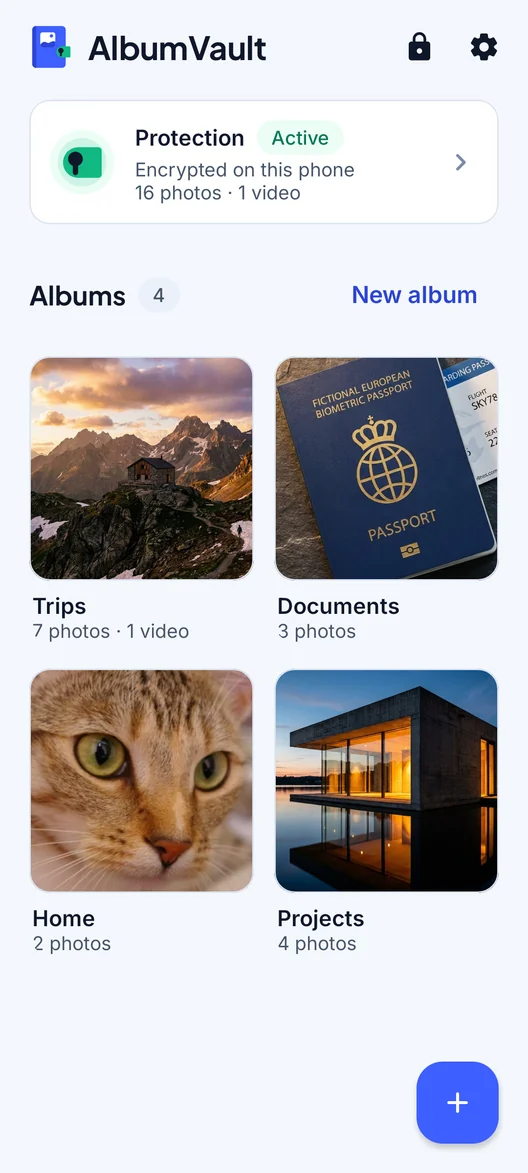
AlbumVault for iPhone and Android
Keep the originals somewhere safer than your camera roll
- Encrypted on this phone
- Each pattern leads to one vault
- No account needed

 Coming soon to both stores