Resize a photo to exact pixels
Type the width or height you need. The other side follows to keep the shape, unless you unlock it.
- Free, no sign-up
- Works offline once loaded
- Your files never leave this device
New size
File type
- Original
- –
- Result
- –
How to use it
- Choose a photo.
- Type a width or height in pixels, or pick a percentage.
- Pick the file type and download.
Quality when shrinking
Large reductions are done in halving steps, which keeps fine detail cleaner than one big jump.
FAQ
Questions
Are my photos uploaded anywhere?
No. The page reads your file in this browser tab and does the work on your device. Nothing is sent to a server, and closing the tab clears it. You can switch on airplane mode after the page loads and the tool still works.
Can I make an image bigger?
Yes, but enlarging cannot add detail that is not there, so the result will look softer.
Is location data kept?
No. The resized image is a new file without EXIF, GPS or camera data.
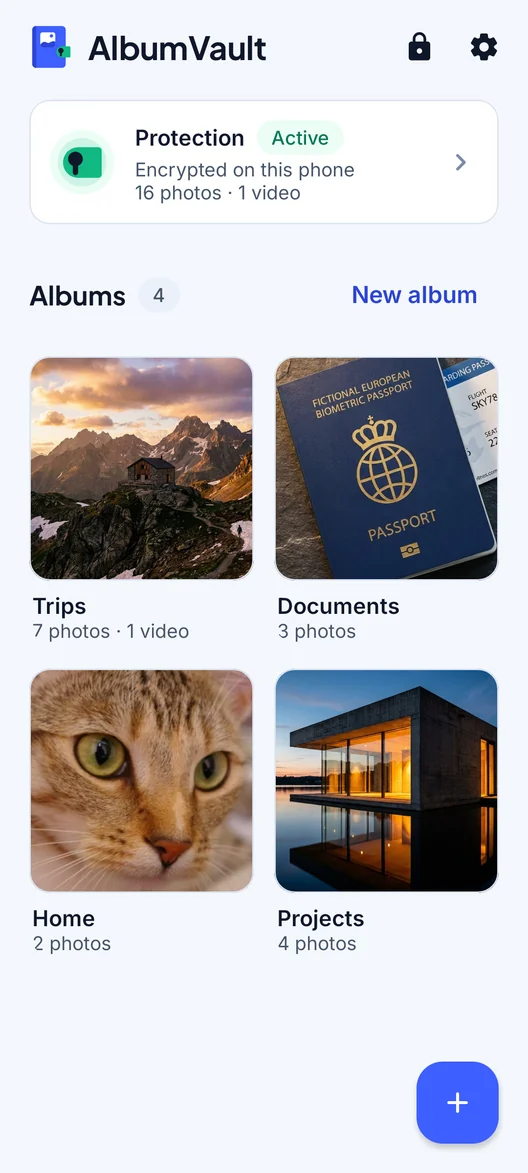
AlbumVault for iPhone and Android
Keep the originals somewhere safer than your camera roll
- Encrypted on this phone
- Each pattern leads to one vault
- No account needed

 Coming soon to both stores