Convert PNG to WebP
WebP files are usually much smaller than PNG and still keep transparent areas. Good for websites and chats.
- Free, no sign-up
- Works offline once loaded
- Your files never leave this device
Convert to WebP
Changes apply to every file in the list.
How to use it
- Choose one or more PNG files.
- Set the quality.
- Download each WebP file.
Browser support
Most current browsers can create WebP files from a web page, but not all. The tool checks the file it made; if your browser cannot write WebP, it says so instead of handing you a PNG with the wrong name.
FAQ
Questions
Are my photos uploaded anywhere?
No. The page reads your file in this browser tab and does the work on your device. Nothing is sent to a server, and closing the tab clears it. You can switch on airplane mode after the page loads and the tool still works.
Is transparency kept?
Yes. WebP supports transparency, and transparent areas stay transparent.
Which quality should I pick?
80 to 90 looks the same as the PNG for most images and is much smaller. Use 100 for screenshots with small text.
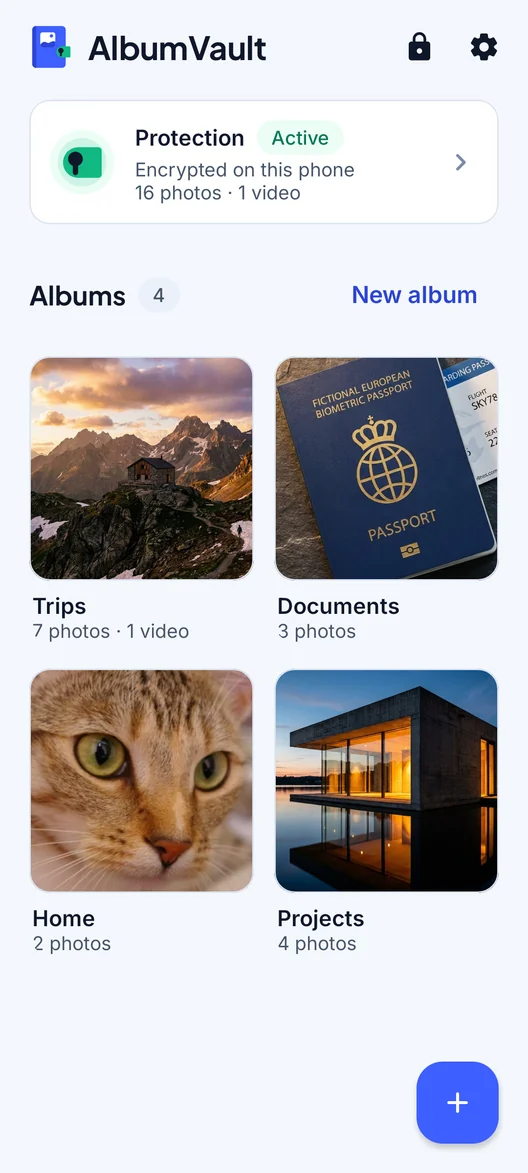
AlbumVault for iPhone and Android
Keep the originals somewhere safer than your camera roll
- Encrypted on this phone
- Each pattern leads to one vault
- No account needed

 Coming soon to both stores