Brighten a dark photo
Start with "Shadows" for photos taken indoors or at dusk. It lifts the dark areas without washing out the bright ones.
- Free, no sign-up
- Works offline once loaded
- Your files never leave this device
How to use it
- Choose a photo.
- Move the sliders. Shadows lifts dark areas, Brightness lifts everything, Contrast and Colour add punch back.
- Hold "Compare" to see the original, then save.
Shadows versus brightness
Brightness adds the same amount of light everywhere, which can turn skies white. Shadows uses a curve that lifts dark tones most and leaves highlights almost alone.
FAQ
Questions
Are my photos uploaded anywhere?
No. The page reads your file in this browser tab and does the work on your device. Nothing is sent to a server, and closing the tab clears it. You can switch on airplane mode after the page loads and the tool still works.
Is the full-resolution photo saved?
Yes. The preview is scaled for speed, but the saved file is processed at the original size.
Is location data kept?
No. The saved photo is a new file without EXIF, GPS or camera data.
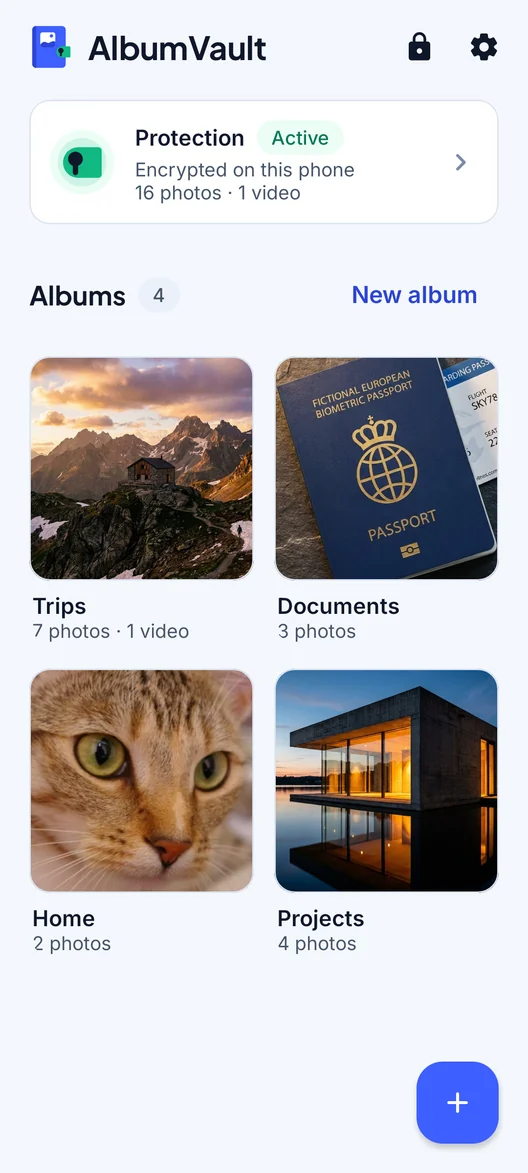
AlbumVault for iPhone and Android
Keep the originals somewhere safer than your camera roll
- Encrypted on this phone
- Each pattern leads to one vault
- No account needed

 Coming soon to both stores